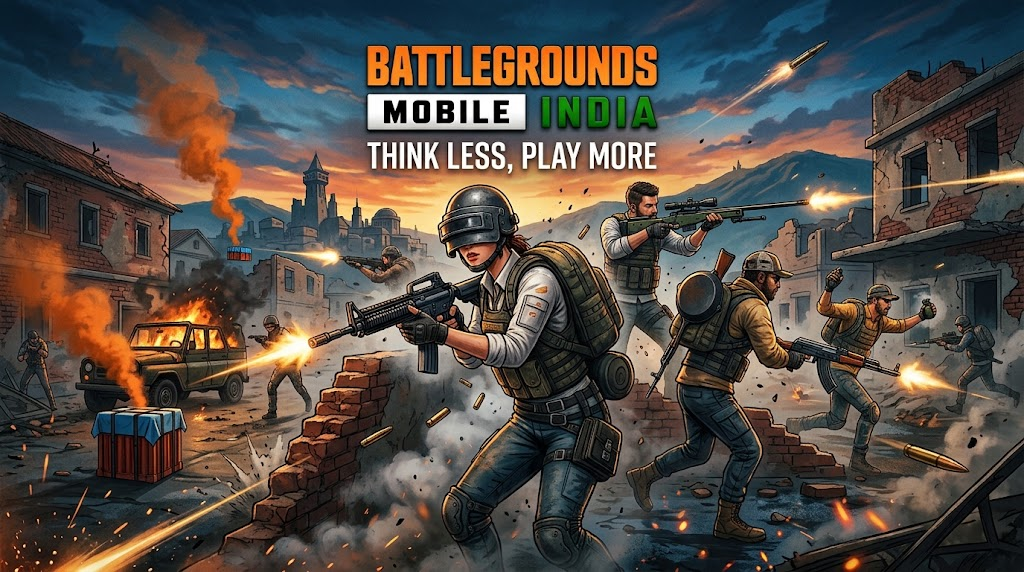
Battlegrounds Mobile India (BGMI) remains one of the most popular mobile battle royale titles across the country. While dominating the battlegrounds requires sharp reflexes and solid map awareness, dropping into Erangel or Miramar in style makes the chicken dinner taste even sweeter.
While players can spend real money buying Unknown Cash (UC) to unlock premium cosmetics and crate coupons, Krafton regularly drops limited-time BGMI redeem codes. These alphanumeric codes allow players to claim premium weapon skins, character outfits, hat accessories, and room cards completely free.
Below is your comprehensive guide to the latest active BGMI redeem codes, step-by-step instructions on how to claim them, and key rules you must keep in mind.
Active BGMI Redeem Codes
Here are the latest working redeem codes available for BGMI players:
LNZBZAREHDBCQWKPLNZCZFFH4MMU9MESLNZDZ6XWD3U3DEHDLVZBZ3T7H385N9NHLVZCZQWW66V5KQGVLVZDZCCR6QQFQN9JLVZEZQVFNCKD9JBQLVZFZSACH3HB3QWSLVZGZJ8PBTNAUDTFLVZHZMWRVBAQNP53
Note: These promotional codes operate on a strict first-come, first-served basis and have limited claim quotas. If a code displays an “Expired” or “Limit Reached” error message, it means the maximum redemption quota for that code has already been claimed by other players.
How to Claim Free Rewards via Official BGMI Redemption Centre
Claiming rewards in BGMI requires using Krafton’s official website rather than in-game menus. Follow these steps carefully:
- Find Your Character ID: Open BGMI on your mobile device, tap on your avatar icon in the top-left corner of the main lobby, and copy the numerical Character ID displayed on your profile page.
- Visit the Redemption Centre: Go to the official Battlegrounds Mobile India Redemption Centre website.
- Fill in Details:
- Paste your copied Character ID into the first box.
- Copy any active code from the list above and paste it into the Redemption Code field.
- Enter the four-digit Captcha verification code displayed on the screen.
- Submit: Click the Redeem button.
- Check In-Game Mail: If the redemption is successful, launch BGMI and check your in-game mailbox to claim your items.
Important Rules and Limitations
To avoid errors during redemption, keep the following guidelines in mind:
- No Guest Accounts: Redemption codes do not work on guest accounts. You must link your BGMI profile to a Google, Facebook, or Twitter account before claiming codes.
- Daily Redemption Limits: Each account is typically restricted to redeeming one code per day.
- One-Time Use: A specific redeem code can only be used once per account.
- Mailbox Expiry: Reward items sent to your in-game mail will expire after 30 days if uncollected. Make sure to claim them immediately upon receipt.
Beware of Fake Code Generators and Fraudulent Apps
Due to the high demand for free UC and mythic outfits, several third-party websites and social media channels promise “unlimited UC generators” or “exclusive code unlockers”.
- Never share your password or OTP: Official redemption only requires your public Character ID.
- Avoid unauthorized apps: Downloading modified APKs or third-party tools can result in permanent account bans from Krafton under their anti-cheat policies.
- Stick to Official Channels: Always claim codes directly through Krafton’s official portal.
Bookmark this page to stay updated on future BGMI redeem drops and promotional events!